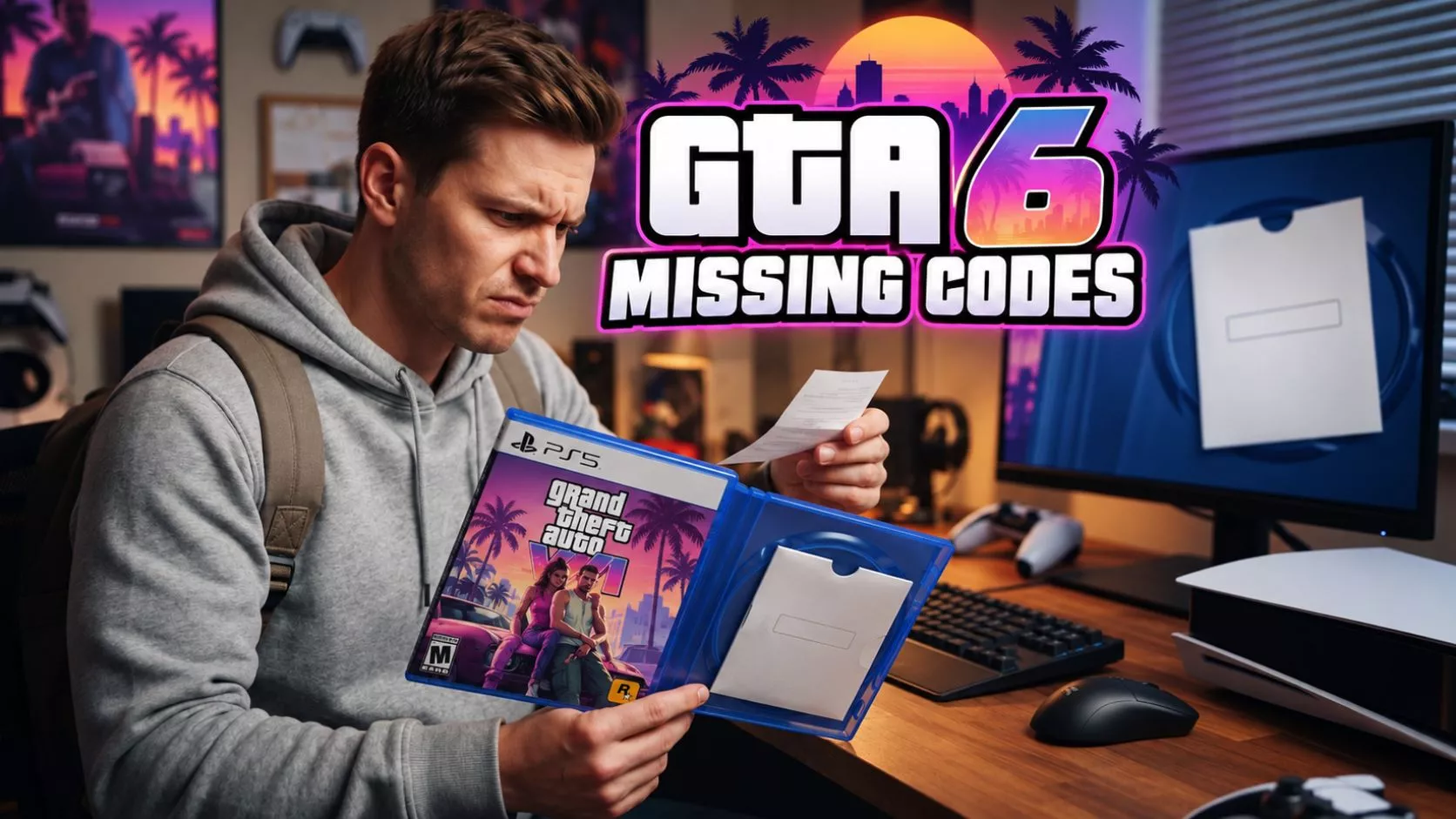
Unfortunately, some players have encountered problems with their physical copies of GTA 6. However, in general, physical copies of the game are fine. Some people have reported missing codes in their sealed retail copies of the game. Alternatively, others have reported that the code slips can be seen in the packaging.
Although there is no indication of how common these problems are, it is good to know the difference between these two issues in case you have bought or plan to buy a retail copy. This will prevent unnecessary stress.
Common issues in physical GTA 6 copies
As you may have noticed from the reports online, there are two separate issues with the packaging.
Missing code slips
Players have reported that the inner clips in their retail copies are empty, with no printed code slip. This appears to be an occasionally occurring issue in production lines, where the paper code slip has not been inserted into the packaging before being sealed.
Code slips can be seen through packaging
Players have reported that in some packaging, the code slip can be seen in the box. Either it is at an angle or there is a window in the box to allow it to be seen. Although these issues have been grouped together in posts on social media, it is not clear from current reports how many copies of the game this issue effects.
Missing codes vs. invalid/already claimed codes
Depending on whether you have missing codes, or invalid/already claimed codes in your physical copy, you will need to approach the problem differently.
Missing code slip
You don’t need to worry about someone digitally stealing your code. Your copy of the game was simply missing the paper code slip from the start, and left the packaging facility like this.
Invalid/already claimed code
If you have a code slip, but enter the code in your PlayStation/Xbox store and are told that it is already claimed, this is due to the second issue mentioned above. If the code can be seen through the packaging, on a shelf in stores or on tables in warehouses, someone can claim the code before the box is even opened by a customer.
Invalid/unrecognised code
Sometimes codes can fail to be recognised because the console store servers are very busy during launch, or if the physical copy was imported from another country. If you have imported the game, it is likely that the code will not match with your console region.
How retailer and publisher support handle boxed copies
Sometimes, people post on Reddit/X claiming that retailers or Rockstar Games won’t support people with missing codes in their physical copies. However, this is not necessarily true.
Both retailers and publishers will commonly receive packaging issues with major games. However, to receive a replacement, different evidence will be requested.
If you have a missing physical component in your copy of the game, retailers will generally support you under their faulty goods return policy. However, publishers such as Rockstar can look at the serial number and batch information for the code slip, to find out exactly when the exposed code was claimed. However, with a busy launch, it may take longer to get support from the publisher.
How I protect myself when opening a boxed edition
If you are buying a game or collector’s edition with physical code slips, it is easy to take 30 seconds to prevent issues.
Check packaging at point of purchase
If you purchase the game in-store, quickly check the packaging. Ensure that the factory plastic has not been sealed with a hot glue gun or clear tape.
Record unboxing video at home
Before removing the plastic from the box, place your phone on a surface and record a short video. Ensure you show all sides of the seal, your receipt, and the initial unboxing. If you have missing code slips, having a clear 20 second video of the packaging and a receipt from the store will make contacting support much easier.
What to do if you have a code issue
If you open your copy of GTA 6 and encounter a code issue, follow the steps below.
Retain packaging
Ensure you do not throw away the plastic packaging, price tag, game box, or receipt. Support agents may ask for images of the barcodes and batch numbers on the plastic.
Check region and characters
If you are getting invalid codes, double check that you haven’t confused the letter O with 0, and I with 1.
Contact retailer
If you are missing inserts, return to the store you purchased from with the box, receipt and unboxing images. Alternatively, if you purchased from an online retailer, make a missing item claim.
Contact Rockstar Support
If the retailer asks you to confirm the issue with the publisher first, contact support on the Rockstar Support page. Be sure to include clear images of your breakdown receipt and unboxed item.

Cool Crazy Games
Cool Crazy GamesAn independent gaming site passionate about video games, gaming technology, and the latest industry trends. Covering gaming news, updates, guides, and tips across PC, Android, Xbox, Nintendo, and popular titles like GTA, Counter-Strike, PUBG, and Free Fire. Dedicated to sharing u