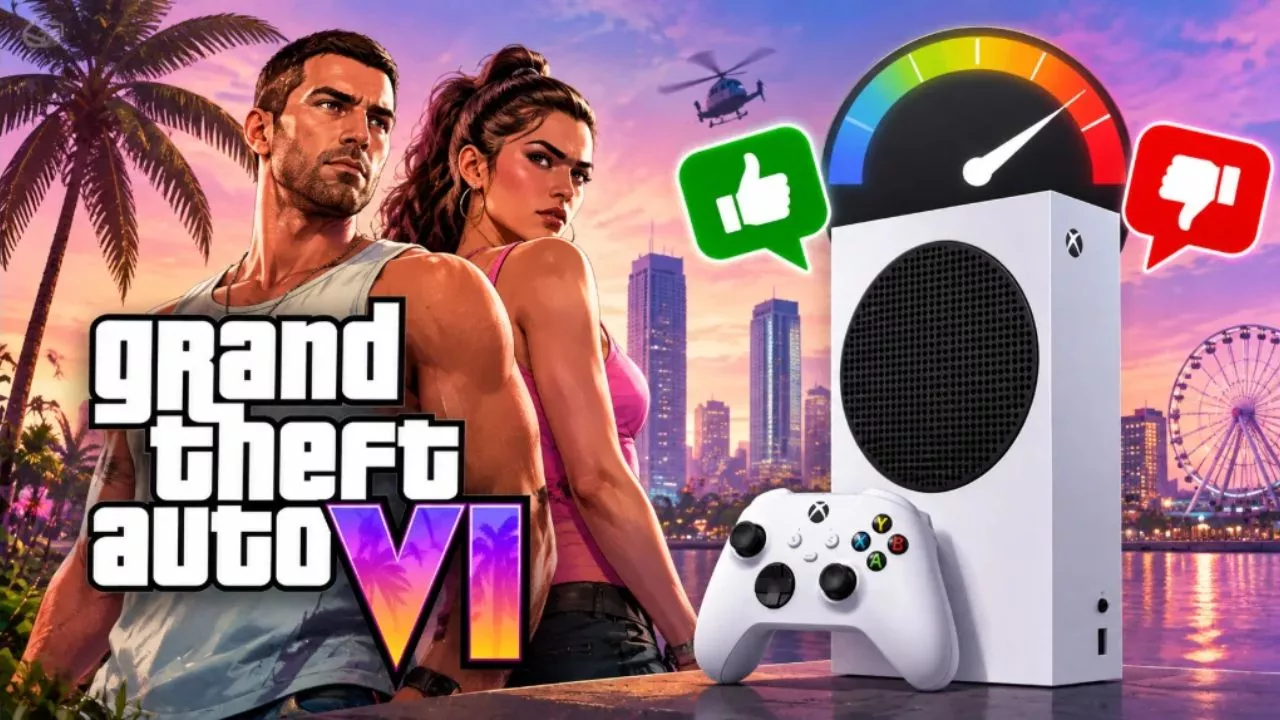
If you own an Xbox Series S, you may be curious to know how well GTA 6 will run on it. However, after reading reviews there is a bit of confusion. Some posts suggest that GTA 6 runs perfectly on the console, whereas others suggest it stutters.
In reality, GTA 6 doesn’t run perfectly, nor does it run abysmally. Here we will explain why there is a discrepancy in opinions, what frame rates the game is running at, and what you can expect on your TV.
What Mashable and Pure Xbox actually report
Why there is a discrepancy.
Some sources are giving a general impression, whilst others are using frame rate measuring tools.
Mashable give a general impression of GTA 6 running smoothly on Series S. Whether it be in story mode, or just exploring Leonida, you won’t notice any issues with the console.
Read also: GTA 6 Xbox One
However, other sources, such as Pure Xbox, are showing that in certain situations, GTA 6 is stuttering. In particular, during busier parts of the game, the frame rate drops to between 20-25 FPS. This is backed up by other early reports, which suggest that in the more intense parts of the game, the frame rate drops significantly.
Why there is a discrepancy between general impression and measured frame rate.
You may be confused as to why there is a discrepancy between the general impressions and frame rates. This is extremely common with large open world games. The reason for this discrepancy is due to the difference in playstyles between critics and measured conditions.
When a critic is playing through the game for a review, they aren’t focused on the frame rate. They are focused on the story, controls and gameplay. Therefore, even if the frame rate drops to 24/25 FPS for 3 seconds in a car crash, it may not even be noticed by many players. It will quickly return to 30 FPS, and many players will not notice.
Additionally, the hardware in modern TVs and monitors help to reduce this stutter. If a critic is playing the game on a TV/monitor with Variable Refresh Rate (VRR) enabled, then the screen will automatically adjust it’s refresh rate to reduce the impact of the mid-20s frame rate. However, if a player is on an older 60Hz TV without VRR, they will notice much more of the frame rate drops.
Why different parts of the game affect performance
Due to the variety within Leonida, performance can vary greatly depending on where in the game you are. This means that brief sections of gameplay from different chapters may give contrasting opinions.
As shown by Pure Xbox, in the opening scenes and in more controlled story segments the frame rate may stay close to 30 FPS. These scenes have controlled camera angles, limited vehicles on the road and controlled lighting. If you’re driving along a quiet highway in the Leonida Keys or exploring a smaller interior, it puts less stress on the console’s hardware.
However, when you get into free roaming, performance drops. Driving at high speeds through a busy street in downtown Vice City at night causes a large amount of processing. The console has to process hundreds of pedestrians, busy traffic, bright neon light reflections and complex physics from the police. If explosions and high-speed chases are added into these scenes, the hardware is pushed even further and drops to mid-20s frame rates.
What to expect on Xbox Series S
From the early evidence, it is clear that GTA 6 isn’t running perfectly or badly across the board on Series S. It depends on what you are doing in the game.
To give you a clear idea of what to expect in GTA 6 on Series S:
30 FPS in calmer scenes
If you are in quieter story segments, or indoors, or driving through less busy parts of the map, the console should run close to 30 FPS.
Mid-20s frame rate drops in intense scenes
If there is lots of traffic, lots of people and hectic gunfights on screen, you will notice a drop in frame rate.
Enable VRR if possible
Before you play, check in your Xbox display settings to see if your TV/monitor supports Variable Refresh Rate. If it does, enable it in order to reduce the impact of mid-20s frame rate drops.
Overall, despite being a cheap console, and considering the size of Leonida, having mostly consistent frame rates in opening scenes and manageable frame rate drops in busy scenes is a good performance. Just make sure to have realistic expectations.

Cool Crazy Games
Cool Crazy GamesAn independent gaming site passionate about video games, gaming technology, and the latest industry trends. Covering gaming news, updates, guides, and tips across PC, Android, Xbox, Nintendo, and popular titles like GTA, Counter-Strike, PUBG, and Free Fire. Dedicated to sharing u