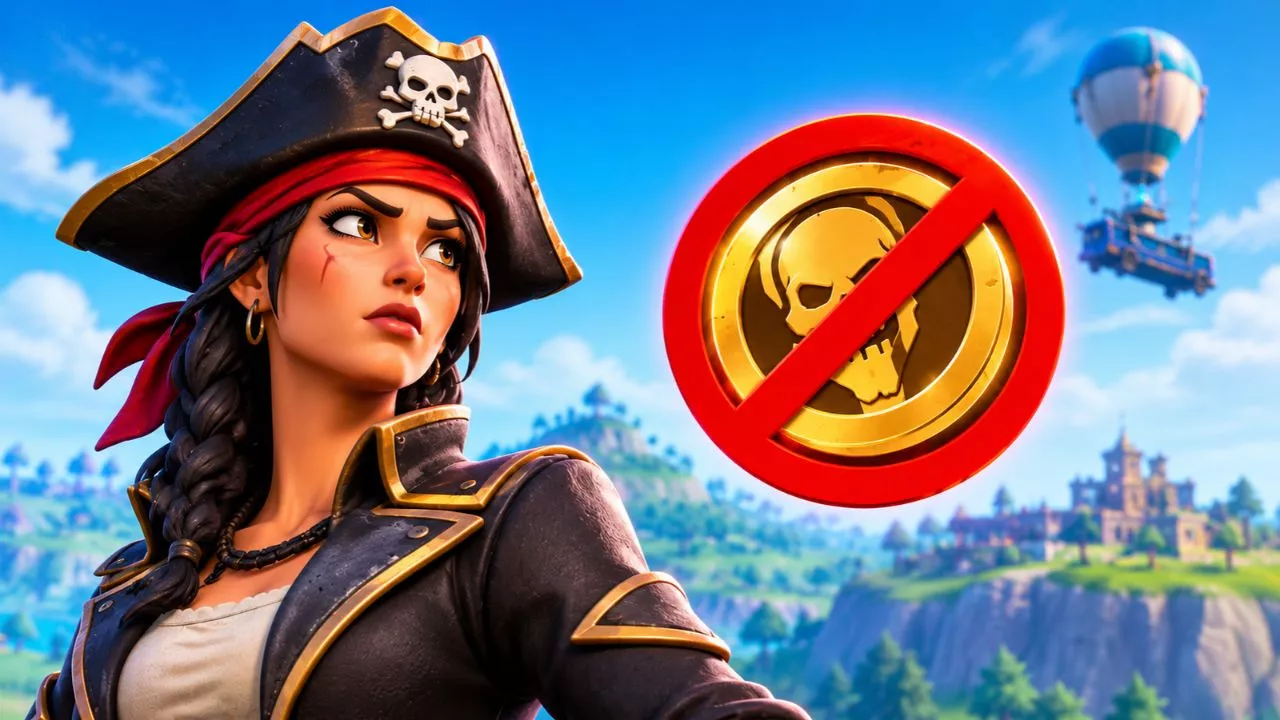
There is nothing worse than logging onto social media to find that there is a huge Fortnite ban wave going on. When news starts to go around on X, TikTok and Reddit about people getting banned for using pirate tokens in Fortnite players will get worried about their lockers.
However from watching numerous Fortnite ban incidents happen over the years, I have learned that most of these viral rumours are usually a mix up. To know if you are safe you need to know the difference between in-game glitches and third party tokens that will trigger Epic Games’ security. Here is what is really happening and what to avoid.
Where the Fortnite pirate token bans are coming from
Most of these ban rumours come from confusion when players are using the word token. Usually in these threads players are referring to either:
- Themed tokens, medals and event currencies used in Pirate Passes, Mini Passes and Island Quests. If there is a glitch in the game that allows players to get extra rewards from events or speedrun quests, rumor accounts will say that everyone who has interacted with the glitch will be banned.
- The darker side of the community. Players will use unauthorised tokens, dodgy Discord bots and pirated scripts from third parties to fake items, get their hands on unreleased cosmetics and purchase cheap currency. These players will actually be banned but when they post their ban screen online they will often say it was due to an innocent in-game glitch.
Are players banned for in-game quest or shop glitches?
If you have caused an in-game token glitch whilst playing on your console/PC then you are safe!
Epic Games have a very strict policy on mistakes made within the official game client. If there is a mistake with a quest giving too many tokens, event pass unlocking a tier early or Item Shop bundle pricing incorrectly then they see this as a mistake from the developers.
They will disable the glitched quest, patch the issue and sometimes remove any extra items or reset the glitched currency. However they will not ban your account permanently.
The only time you will be at risk of getting banned for an in-game glitch is if you use lag switches, network manipulation or external programs to cause a server glitch in competitive modes.
The token tricks that will get you banned in Fortnite
Whilst in-game glitches rarely cause any issues, messing with third party tokens and unauthorised sellers will get you banned fast. To keep your locker safe avoid these 3 common mistakes:
Discord bots asking for your Epic authorisation token. Some third party servers will offer you exclusive items from the shop, bot lobbies or instant rewards if you log into Epic on your browser and copy a long string of text known as an auth token. This will give someone complete control over your session and often cause automatic security locks on your account.
Unauthorised pirate currency and cheap V-Bucks sellers. Third party sites will often sell heavily discounted currency or reward bundles using stolen credit cards or regional payment exploits. Once Epic undo the fraudulent charges your locker will be cleared, your V-Bucks will be in the negatives and your account may be locked.
Cosmetic unlockers and loby scripts. Any program that runs alongside Fortnite on PC to fake skins or skip tokens will trigger Easy Anti-Cheat and BattlEye. Epic treat skin changers and token scripts in the same way as aimbots and will give you a permanent hardware and account ban.
Why the fake ban images go viral
Every time there is a new token rumour going around you will see the same blurry image of a red banned banner. Most of these images are years old.
Social media engagement farmers love to use these old ban screens when there is a new glitch in Fortnite. It is the easiest way to get thousands of worried players to share the post and tag their friends. Unless you can confirm that there is a notice on the official Fortnite Status page or within Epic’s community guidelines then any random ban images from TikTok and X are clickbait.
How I avoid getting banned in Fortnite
If there is a suspicious glitch or third party shortcut going around I will avoid it if I have to leave the game client or enter any codes on an external website. It is never worth losing all your old Battle Pass skins in your locker to save a few hours of grinding.
If you want to check your account security log onto the official Epic Games site. In your Account Settings click Password & Security and make sure you have Two-Factor Authentication enabled. Whilst you are here check your Apps and Accounts tab and remove any third party websites or bots.

Cool Crazy Games
Cool Crazy GamesAn independent gaming site passionate about video games, gaming technology, and the latest industry trends. Covering gaming news, updates, guides, and tips across PC, Android, Xbox, Nintendo, and popular titles like GTA, Counter-Strike, PUBG, and Free Fire. Dedicated to sharing u