
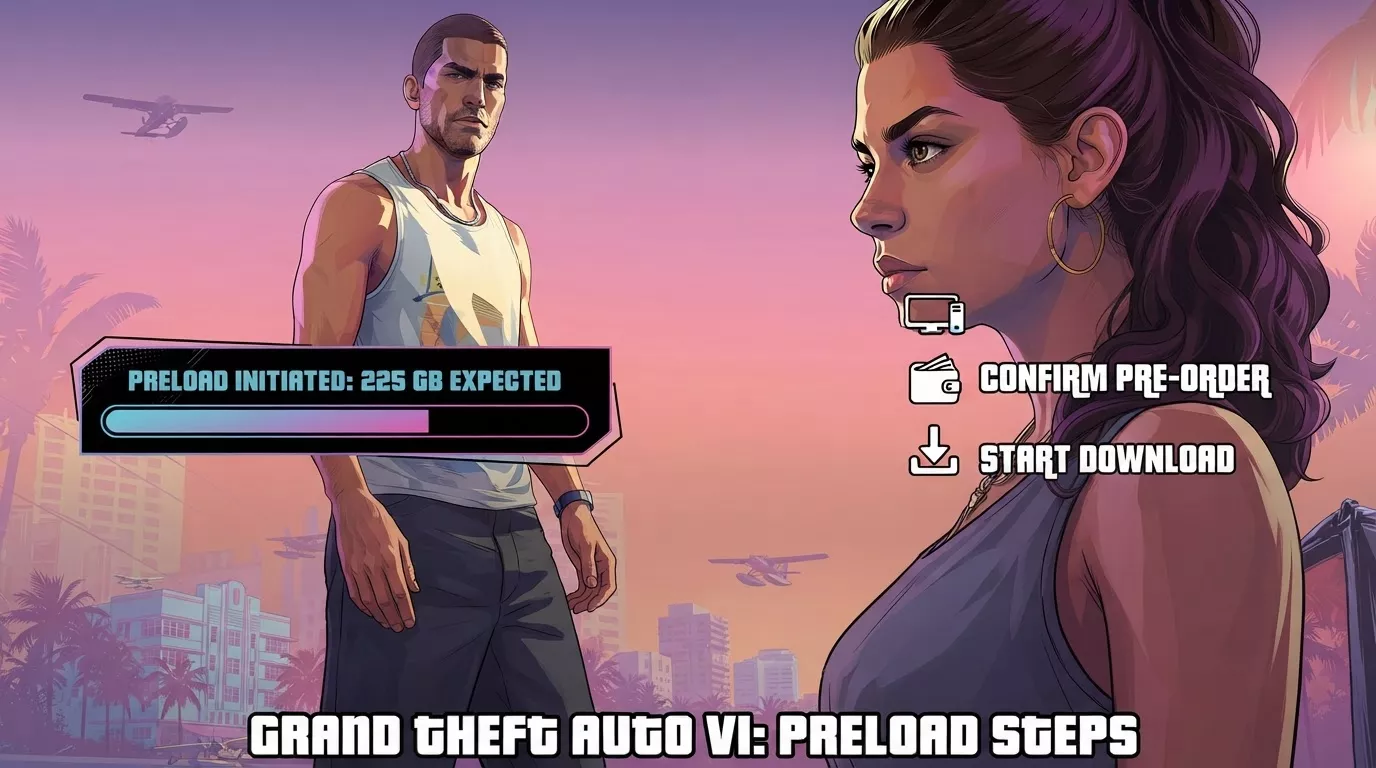
Grand Theft Auto 6 is almost out! Rockstar Games has confirmed that players who have pre-ordered GTA 6 digitally will be able to start the pre-load on November 10th 2026, with the game coming out 9 days later. However, it’s a big worry for many players as the pre-load file can be up to 212GB.
GTA 6 will be released on Thursday 19th November 2026 for PlayStation 5 and Xbox Series X|S. Whilst the pre-load doesn’t give early access, it just downloads the game files so you can get playing as soon as the game is unlocked.
When Can You Pre-Load GTA 6?
PlayStation 5 – November 10th at midnight (local time)
Xbox Series X – S
Physical copies – November 12th
Release date – November 19th 2026
PS5 players will be able to pre-load the game at midnight in their own timezone. Xbox Series X/S players will be able to pre-load the game at 12:00AM GMT. In the US this would mean Xbox players could start downloading on the evening of November 9th.
GTA 6 File Size
Rockstar have confirmed that you will need up to 212GB free storage depending on your console. They haven’t confirmed individual sizes for each console variant, so you’ll want to make sure you have at least 212GB free.
This is a huge file size to download, and you may not have that much space on your base PS5. Xbox Series S owners will definitely need to be careful!
How Much Space Will You Need?
We recommend having more than 212GB free as the game files can sometimes need more temporary space. System updates can also take up space.
If you have a 1TB console then GTA 6 will take up a large chunk of your available space. If you have a 512GB or 825GB console then you’ll probably need to clear some large games.
How To Pre-Load GTA 6 On PS5
If you have digitally pre-ordered GTA 6:
- Open the PlayStation Store.
- Search for Grand Theft Auto VI.
- Click on the game to confirm you have pre-ordered.
- Open your Game Library.
- Find GTA 6 in your purchased games.
- Click Download.
- Once the download has finished.
- Leave your console in Rest Mode.
PS5 players will need to have auto downloads turned on. Your console will need to be on or in Rest Mode.
How To Pre-Load GTA 6 On Xbox Series X/S
Xbox players will be able to pre-load once they have purchased the game digitally from the Microsoft Store.
- Open My Games & Apps.
- Click Full library.
- Click All owned games.
- Find Grand Theft Auto VI.
- Click Install/Download.
- Pick your storage drive.
- Click Download.
- Leave your console in Sleep mode or on.
Xbox will start their pre-load at 12:00AM GMT on the 10th November. Once the pre-load is available your game should be in your owned games if you have pre-ordered digitally.
Physical Copy
Physical copies of GTA 6 do not come with a disc. Instead you’ll get a download code inside the box. Once you have redeemed the code you’ll be able to start your pre-load on the 12th November.
This means you’ll need to make sure you have enough space on your console as the disc won’t help with the 212GB download.
GTA 6 Editions And Prices
There are two main editions of GTA 6 for PlayStation 5 and Xbox Series X|S.
Edition Price (US) Includes
- Standard Edition $79.99 Full base game and single player story.
- Ultimate Edition $99.99 Full game with extra cosmetics, vehicles and property vouchers for GTA Online.
The standard edition can be purchased digitally or as a boxed code. The ultimate edition can only be purchased digitally. Prices may vary between countries so make sure to check your local PlayStation Store or Microsoft Store.
Top Tips For Storage
If your console is almost full the 212GB download may not work or will be slow. Make sure you have enough space.
- Clear out any games you no longer play.
- If your console can use an external SSD move large games there.
- Clear out old screenshots, videos and recordings.
- Make sure you have more than 212GB free.
- If possible use a wired internet connection.
- Don’t download multiple large games.
- Leave your console in Rest Mode/Sleep Mode overnight.
- Don’t delete the GTA 6 pre-load files.
If you have an Xbox Series S you can use an external drive to store your games. However you may still need space on your internal storage. Make sure to check the storage management page on your console.
When Can You Play GTA 6?
You will be able to play GTA 6 from midnight (local time) on 19th November 2026. The pre-load will not give you early access.
If your pre-load has finished early leave the game installed and wait until it’s unlocked. Don’t delete the files or re-install unless your console prompts you to fix something.

Cool Crazy Games
Cool Crazy GamesAn independent gaming site passionate about video games, gaming technology, and the latest industry trends. Covering gaming news, updates, guides, and tips across PC, Android, Xbox, Nintendo, and popular titles like GTA, Counter-Strike, PUBG, and Free Fire. Dedicated to sharing u

7 thoughts on “GTA 6 Preload: Expected File Size and Download Steps”