
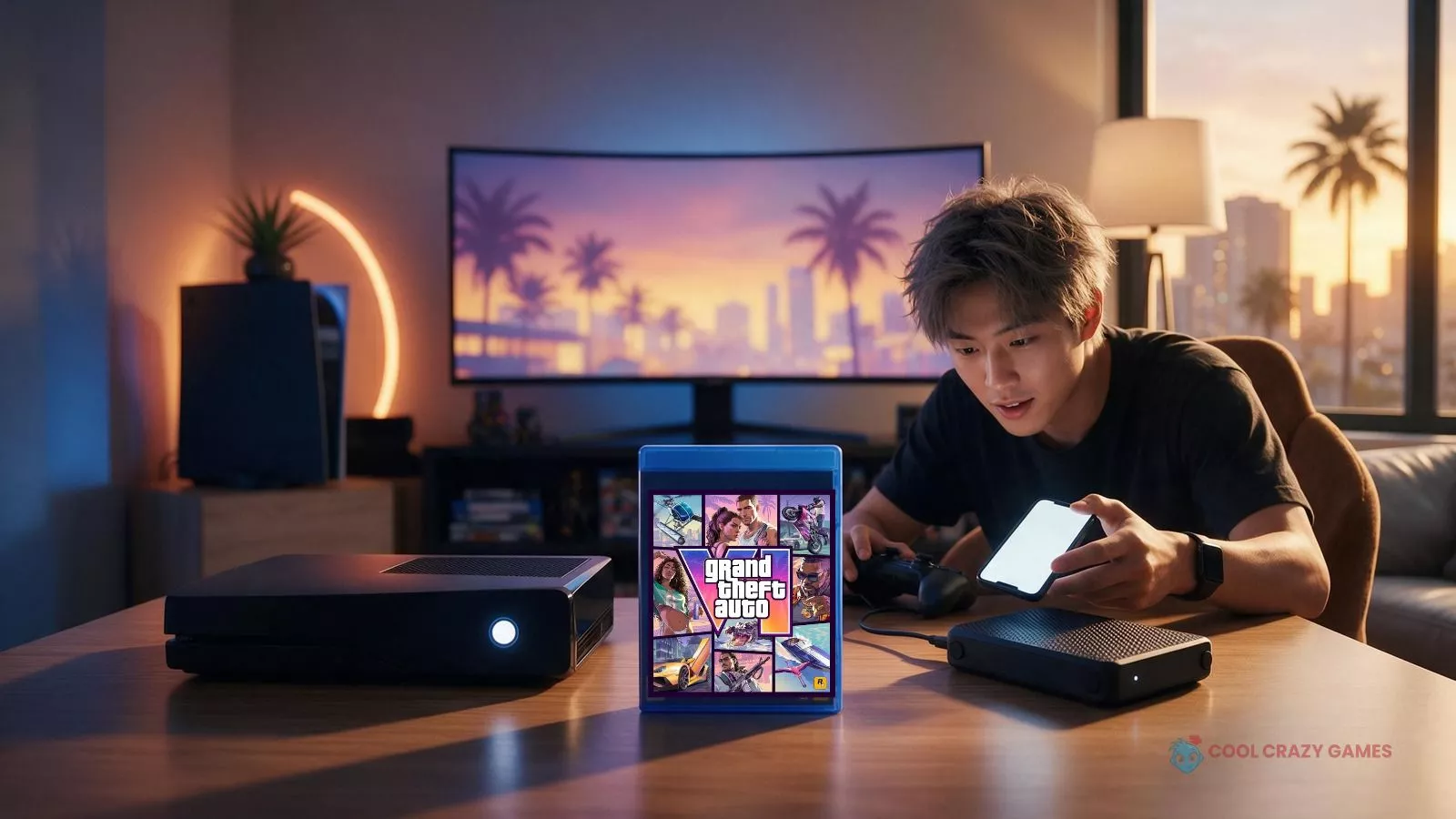
The last thing you want to do on launch night is get a “Not enough free storage” message while your friends are all heading down Vice Beach. I have made this mistake with large releases in the past and have spent ages deleting old games.
GTA 6 will be one of the most demanding games for current generation consoles. We don’t know the exact file size Rockstar is going to implement but you can prepare your console ahead of launch week. Let’s go through everything you need to do to ensure you can play as soon as it is released.
Ensure you have a console that can play the game
First things first, check you have the correct console. Rockstar have confirmed that GTA 6 will be available on the PlayStation 5 and Xbox Series X/S at launch. It won’t be available on the PS4 or Xbox One.
If you have an Xbox Series S then take note of your internal storage. The standard 512GB model will only give you around 364GB of usable storage. After installing a couple of large sports/shooter titles you will have barely any space for Leonida.
Give your SSD more free space than you think you need
We don’t know exactly how big GTA 6 will be but we can get an idea from recent blockbusters. Red Dead Redemption 2 alone is well over 100GB and most modern PS5 and Xbox Series X titles are between 120 and 170GB. Consoles can also require extra free space to extract digital files and install day one patches.
I am going to give myself a minimum of 180-200GB of free space on my main drive. So take a look through your library and delete any games you haven’t played in the last 6 months. Also make sure to delete any old 4K video clips that you have saved in your media gallery. These can take up dozens of GB.
Don’t buy the wrong external hard drive
If you are looking to buy extra storage for GTA 6 then take note. You can’t play PS5 or Xbox Series X/S games on standard USB external hard drives or USB SSDs. USB drives can only be used to store current gen games when they aren’t being played.
To play GTA 6 from expanded storage you will need:
A PCIe Gen4 M.2 NVMe Internal SSD (with a minimum read speed of 5,500 MB/s) with a heatsink attached. This will need to be installed into the expansion slot under the side cover of your PS5.
An official Storage Expansion Card from either Seagate or Western Digital. These small cards will plug into the dedicated storage port on the back of your Xbox Series X/S.
It is best to buy one of these during a holiday sale to avoid paying full price in a panic.
Clear dust from your vents and fan
Take a look at the detail in the GTA 6 trailers. There is a lot to render and your console will get very hot.
If there is a build up of dust in your vents or on your internal fan then your console won’t be able to vent the heat. This can cause your console to be very noisy, lag or even shut down due to overheating mid mission.
Take 20 minutes to clean your console:
Unplug all your cables and let your console cool down.
On your PS5 remove the plastic side panels and use your vacuum to clean out the dust catcher holes. Wipe the fan blades and outer vents with a dry microfiber cloth.
On your Xbox Series X/S use short bursts of compressed air or a soft brush to clean the top and bottom vent holes. Don’t make the fan spin too fast.
Ensure your console has at least 4-6 inches of free space around it. Don’t have it in a tight TV cabinet that doesn’t allow much airflow.
Prepare your console for a large pre-load
When GTA 6 is available to pre-load a few days before launch millions of people will be trying to get onto the PlayStation Network and Xbox Live servers. Even if you have fast internet at home your Wi-Fi may slow down.
If your router is near your TV then use an Ethernet cable to connect directly to the back of your console. This will help give you a stable download speed. Also make sure to go into your power settings and enable automatic downloads and updates while your console is in Rest Mode/Sleep mode. This will mean your console downloads the game and any day one patches while you are asleep/working.
Check your TV ports and video settings
While your cables are disconnected take a look at your HDMI port. If your TV has HDMI 2.1 then make sure to use the original Ultra High Speed HDMI cable that came with your console in the correct port. Some TVs only have full speed on port 1 or 2.
Go into your console display settings and turn on Variable Refresh Rate and 120Hz if your screen supports it. Finally turn your TV picture settings to Game Mode. This will ensure your controller feels snappy when you finally get onto the streets of Vice City.
Frequently asked questions
How many gigabytes will GTA 6 take up on PS5 and Xbox?
Rockstar Games has not announced the official file size for GTA 6 yet. Based on the size of recent open-world games, freeing up 150GB to 200GB of storage space is a safe way to prepare.
Can you play GTA 6 off an external USB hard drive?
No. Because GTA 6 is a current-gen game built for fast solid-state drives, it cannot run off a standard USB external drive. You must install it on your console’s internal SSD, an internal M.2 NVMe drive on PS5, or an official Storage Expansion Card on Xbox Series X|S.
Will GTA 6 come out on PS4 or Xbox One?
No. Rockstar has confirmed GTA 6 for PlayStation 5 and Xbox Series X|S. You will need a current-generation console to play the game at launch.

Cool Crazy Games
Cool Crazy GamesAn independent gaming site passionate about video games, gaming technology, and the latest industry trends. Covering gaming news, updates, guides, and tips across PC, Android, Xbox, Nintendo, and popular titles like GTA, Counter-Strike, PUBG, and Free Fire. Dedicated to sharing u

2 thoughts on “How to Prepare Your Console and Storage for GTA 6 Before Release”